Should Your Team Replace the CMS with AI? — 5 Lessons from the Cursor vs Sanity Debate
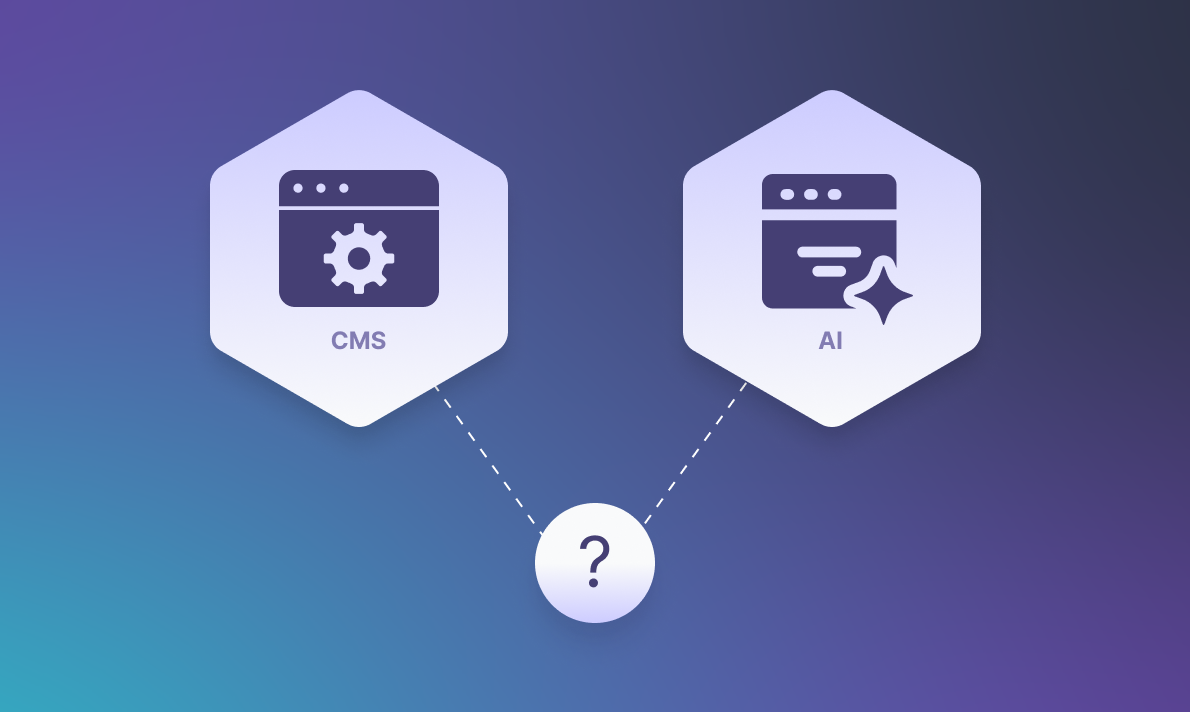
In December 2025, Lee Robinson from Cursor published "Coding Agents and Complexity Budgets." He moved cursor.com off Sanity, a headless CMS, and onto markdown files using AI agents. A weekend. $260 in tokens.
His point: when everyone on your team writes code, a CMS adds friction you don't need. Sanity responded with "You Should Never Build a CMS." Matteo Frana from React Bricks offered a third angle. The debate spread fast.
I broke this down on our Dev Talks series, and these are the five things that became clear:
1. This Was the Right Call for Cursor. That Doesn't Make It Universal.
Lee's decision made sense for his team. Cursor is a small, engineering-driven company where everyone commits code, without a separate marketing department or content ops team managing publishing schedules. In that setup, a CMS sits between the team and the work without adding much.
The problem starts when people take one company's context and turn it into a general rule.
A developer tool startup with 15 engineers has nothing in common with a retail brand running regional sites in multiple languages. What matters is who touches the content, how many channels you publish to, and whether governance is a requirement or an afterthought.
A CMS earns its place when it creates leverage for people who aren't developers. This is where the day-to-day realities of the modern content editor’s experience in a decoupled setup become the deciding factor, not the novelty of the tooling.
When your whole team lives in code, that leverage isn't there, and the overhead becomes obvious. Lee responded to that reality. The mistake is assuming every team shares it.
2. The Complexity Moved. It Didn't Go Away.
Sanity pointed out something specific: by the end of the migration, Lee had rebuilt most of what he removed. Asset management, a visual interface, permissions through GitHub, version history, content modeling in markdown front matter. Different labels. Same responsibilities.
I've watched this pattern play out across projects. A team removes a tool they find cumbersome, rebuilds the pieces they need in custom code, and ends up owning a bespoke system that handles the same work with less documentation and no vendor support behind it.
The operational needs behind a CMS don't disappear when you remove the CMS. Versioning, access control, content relationships, multi-channel distribution: these exist because the problems are real. Stripping out the tool just transfers ownership of those problems to your engineering team.
Sanity predicted that any stripped-down replacement will accumulate the same complexity over time. In practice, that tends to happen within the first year.
3. Building Something in a Weekend Is Impressive. Running It for a Year Is the Actual Test.
The migration speed got all the attention. AI agents compressing weeks of work into days is genuinely notable, and it signals where development is heading.
But standing something up and keeping it running are different problems.
Every codebase hits changing requirements, edge cases the first implementation missed, and new people who need to understand decisions they weren't part of. That's true whether the code was written by a person or generated by an agent.
There's a growing habit of treating volume of AI-generated code as a measure of progress. Thousands of lines shipped in a day. The part that gets skipped: who owns that code in six months? Who debugs it when the person who prompted it has moved on?
This is exactly why human-assisted AI development frameworks matter more than raw generation speed once the code needs to survive turnover and change.
A vendor-maintained CMS spreads long-term maintenance across its entire customer base. Custom tooling puts all of it on your team. Before replacing a CMS with something built over a weekend, pressure-test the maintenance plan with the same rigor you applied to the build.
For a clearer filter on what’s real versus impressive demos, our 5 anti-hype AI principles for web development teams pair well with the checklist you’re building here.
4. Structured Content Gives You Options. Flat Files Take Them Away.
Sanity's sharpest technical argument: there's a meaningful difference between content stored as text and content modeled as data.
Markdown is flexible. It's also flat. No enforced schemas, no required fields, no referential integrity. At small scale, that feels like freedom. At larger scale, it becomes inconsistency. The same content fragment across five pages means five files to update. A structured system means updating one reference. A new content type that needs specific fields has no enforcement mechanism in markdown. A CMS handles that by design.
The workflow gap is just as important. Git is natural for developers. For a marketing manager updating seasonal campaigns or a content editor localizing pages, it's an unnecessary barrier. Those people need an interface built for content work, not a developer tool repurposed for a different job.
This becomes critical when AI enters the workflow. An agent querying structured content through an API can reliably find products in a category, surface related content, or validate that required fields are populated. The same agent working against markdown files is pattern-matching against text, with all the fragility that comes with it.
Structured content gives AI something to reason about. Flat files give it something to guess at. If AI-assisted content operations are on your roadmap, the foundation matters more than the tooling on top.
5. AI Needs the CMS. The CMS Needs AI. For Now.
Both sides of the debate agreed on one thing: AI agents need reliable access to content. The disagreement was about how to provide it.
Matteo Frana proposed a practical middle ground. A visual headless CMS where components serve as building blocks. Developers define them. Editors arrange them visually. AI interprets them because they carry structured metadata. Components become the shared language.
That matches where I see this going. The path forward isn't removing the CMS so agents can work with raw files. It's opening the CMS so agents can work with structured data directly. "Find related content" or "list products matching these criteria" should resolve through an API call against modeled data, not a text search across a file system.
The major platforms are already building this way. Sanity and Drupal are shipping AI capabilities. Drupal's Canvas initiative brings visual page composition into a structured content environment. The CMS handles structure and governance. AI handles reasoning and generation. Component architecture provides the bridge.
This is the approach we've been building at Octahedroid with Drupal Decoupled. Drupal manages content modeling and editorial governance. Modern frontend frameworks like Next.js, React Router, or Astro handle the presentation layer. Components provide the composable interface where developers, editors, and AI agents operate against the same content model. Each part of the stack does what it does well.
How to Evaluate This for Your Team
These 5 questions tend to clarify the decision of whether to use AI or a CMS:
- Who touches content? If everyone writes code, Git and markdown can work. If editors, marketers, or content managers are involved, they need a proper content interface.
- How many channels do you publish to? A single site with one output format can live in flat files. Web, mobile, email, and AI-powered interfaces need an API-first content layer.
- Can you maintain what you build? Custom systems need ongoing engineering time. A managed CMS distributes that cost. Be honest about your team's capacity a year from now, not just this quarter.
- Do you need governance? Role-based access, approval workflows, audit trails, scheduled publishing. These features exist for operational reasons. You can rebuild them. The complexity behind them isn't optional.
- Where does AI fit in your content operations? AI agents perform more reliably against structured, queryable data. If that's part of your roadmap, structured content is the stronger starting point.
One comment from the original debate put it well: what works at a Series D startup won't translate to a Fortune 500 company.
Tools move fast. Governance, workflows, and teams move slowly. Architectures that ignore that reality end up rebuilding the problems they set out to solve.
If you're weighing whether your current CMS setup can support what's coming next, or if you're planning a move to a more AI-ready architecture, we can help you think through it.
This is the kind of decision where decoupled architecture planning and implementation saves teams from rebuilding governance the hard way.
Book a free consultation and we'll walk through your stack, your team, and what actually makes sense for where you're headed.

About the author
Related posts
AI vs. Automation: What’s the Difference and How to Choose the Right Layer
By David Cespedes, July 10, 2026What is the difference between AI and automation, and how do you decide which layer belongs where? Here’s our practitioner’s decision framework from enterprise pipeline implementations.
What Is Business Process Automation and How to Define What to Automate First
By David Cespedes, June 16, 2026Business process automation works when you define the right processes first. We discuss how to identify automation candidates and avoid the most common failure modes from our enterprise experience.